-
Your shopping cart is empty!

Three Layers of Data Continuity with the Lighthouse ApexZ Particle Counter
Tuesday October 27th, 2026
-
0 lượt xem
Cleanroom environmental monitoring results matter most when the data is accessible, retained, and ready for review. With the Lighthouse ApexZ particle counter, organizations have three complementary ways to manage measurement records: exporting data over the network, storing records on the instrument, and printing results on paper.
This article walks through each option so QA, QC, and cleanroom operations teams can choose the data management approach that fits their procedures.
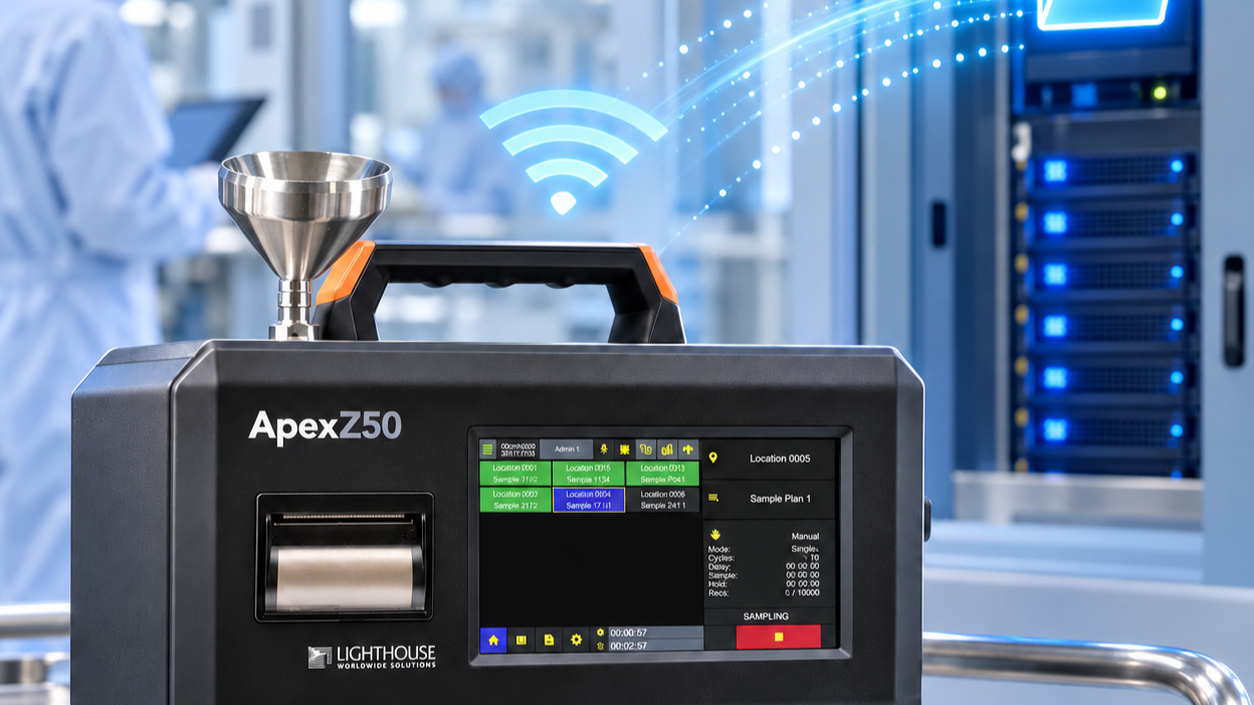
1. Export Data to a Shared Network Location
With CIFS configured and the instrument connected to the network via Wi-Fi or Ethernet, users can export selected records to a shared network drive.
Benefits for your organization:
- Teams can access and manage data even when they are away from the instrument
- Easier consolidation, review, and sharing across departments
- Supports centralized storage in line with internal facility requirements
2. Store Records in the Instrument
The Lighthouse ApexZ can retain up to 10,000 records in its internal memory. This keeps measurement data available on the unit for review and export whenever needed.
This option is especially useful when:
- You need to recheck recent measurement results on site
- A network connection is unavailable, or data cannot be exported right after measurement
- You want an additional layer of data retention alongside network storage
3. Print a Hard Copy
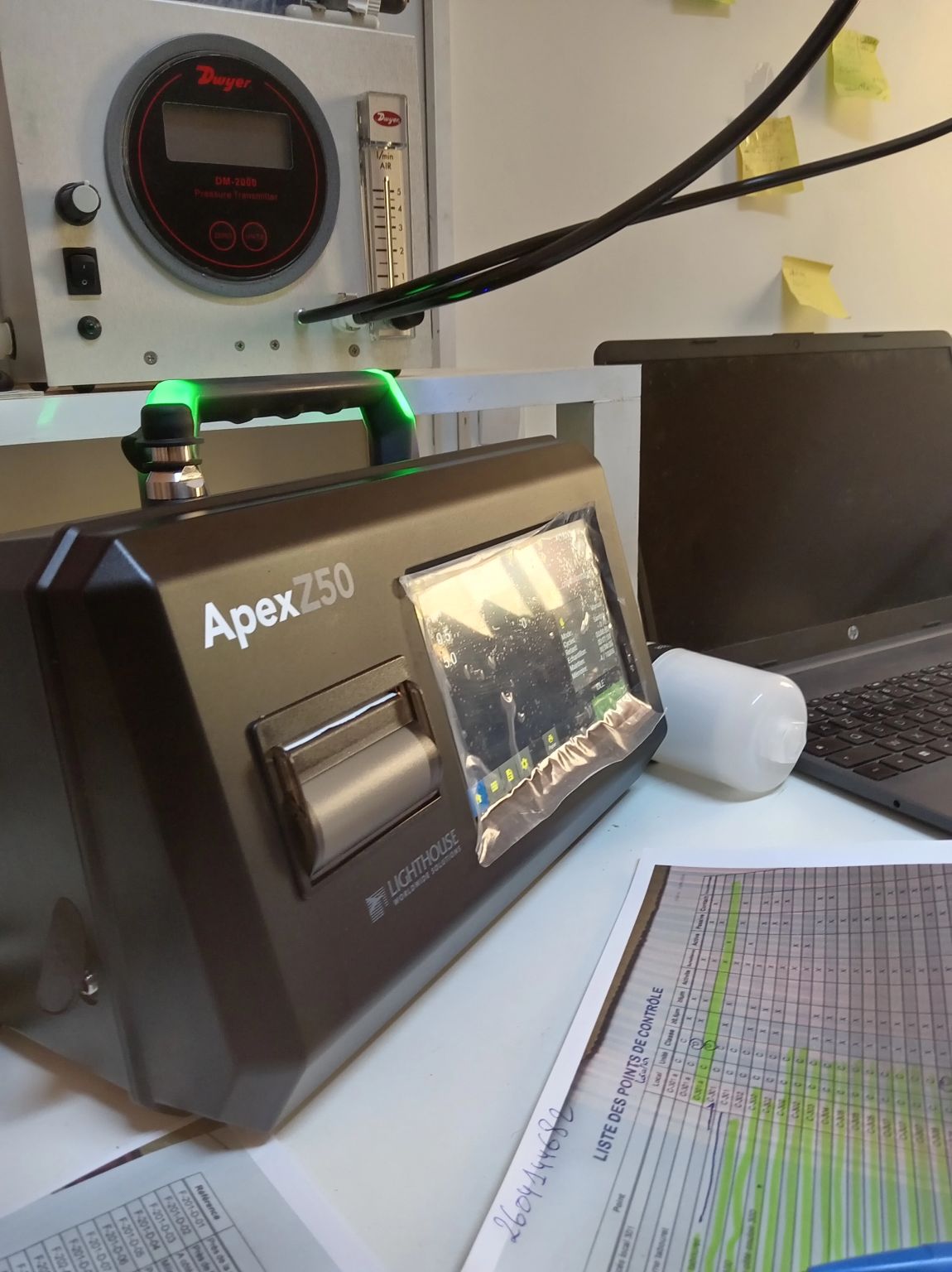
For printer-equipped ApexZ configurations, results can be printed directly from the instrument using the embedded thermal printer. A paper record is useful for immediate review or for site workflows that call for a physical copy.
Note: Use paper suitable for the intended cleanroom environment.
Summary: Flexibility in Data Retention and Access
| Option | How it works | Best for |
|---|---|---|
| Network export | CIFS configured, Wi-Fi/Ethernet connection | Centralized data access and management |
| Onboard storage | Internal memory, up to 10,000 records | Reviewing and exporting data when needed |
| Printed copy | Embedded thermal printer (printer-equipped configurations) | Paper records for review or documentation |
With the right configuration and procedures, this flexibility can support day-to-day environmental monitoring and documentation workflows in the cleanroom.
Frequently Asked Questions
How many records can the Lighthouse ApexZ store?
The instrument can retain up to 10,000 records in its internal memory.
How do I export data from the ApexZ to a computer or network folder?
Once CIFS is configured and the instrument is connected to the network via Wi-Fi or Ethernet, you can export selected records to a shared network drive.
Does every ApexZ unit have a print function?
No. Printing uses the embedded thermal printer, which is available only on printer-equipped ApexZ configurations. Please confirm the configuration when ordering.
Contact FilterFine Vietnam for Advice
How does your team manage cleanroom monitoring records: digitally, on paper, or both? Contact FilterFine Vietnam for advice on configuring the Lighthouse ApexZ to match your environmental monitoring procedures.
Tin liên quan
- WENZEL CMM: A Solution for Every Inspection Need
- WENZEL XP: High-Accuracy Coordinate Measuring Machine for the Shop Floor
- Kalrez® vs. Viton™: Which Sealing Material Is Right for Your Application?
- Industrial Wastewater Monitoring: Inline Concentration Measurement for Better Process Control
- Surface Cleanliness in Semiconductor Fabs: Measurements and What They Mean in Practice